



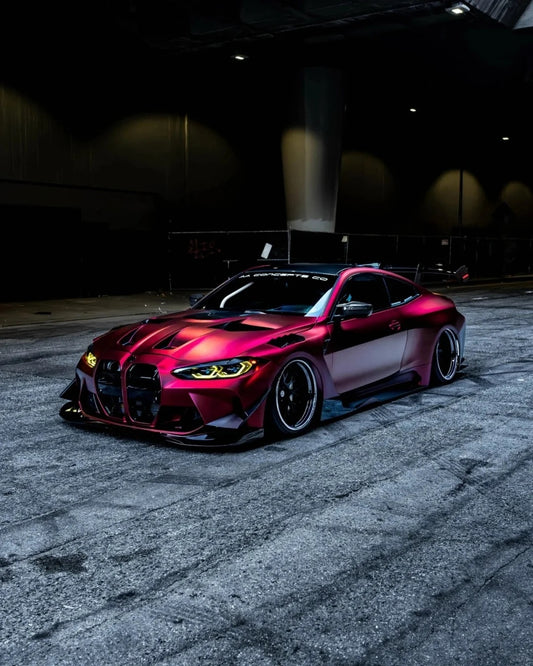
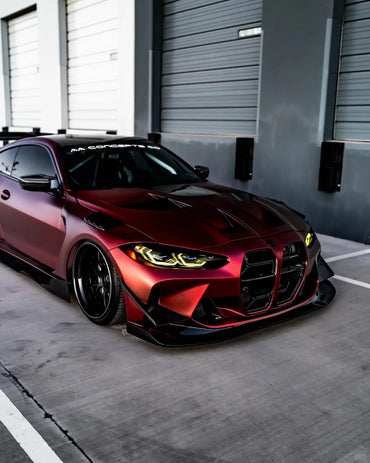

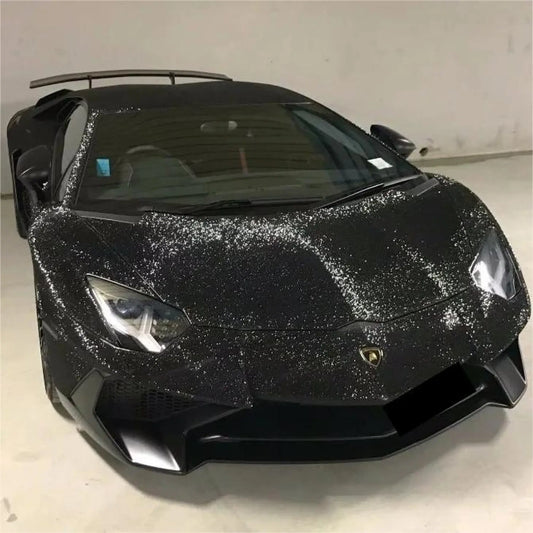
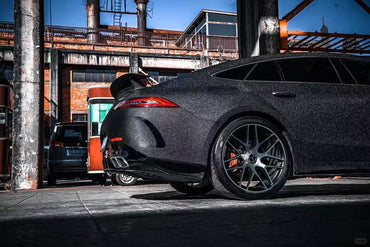
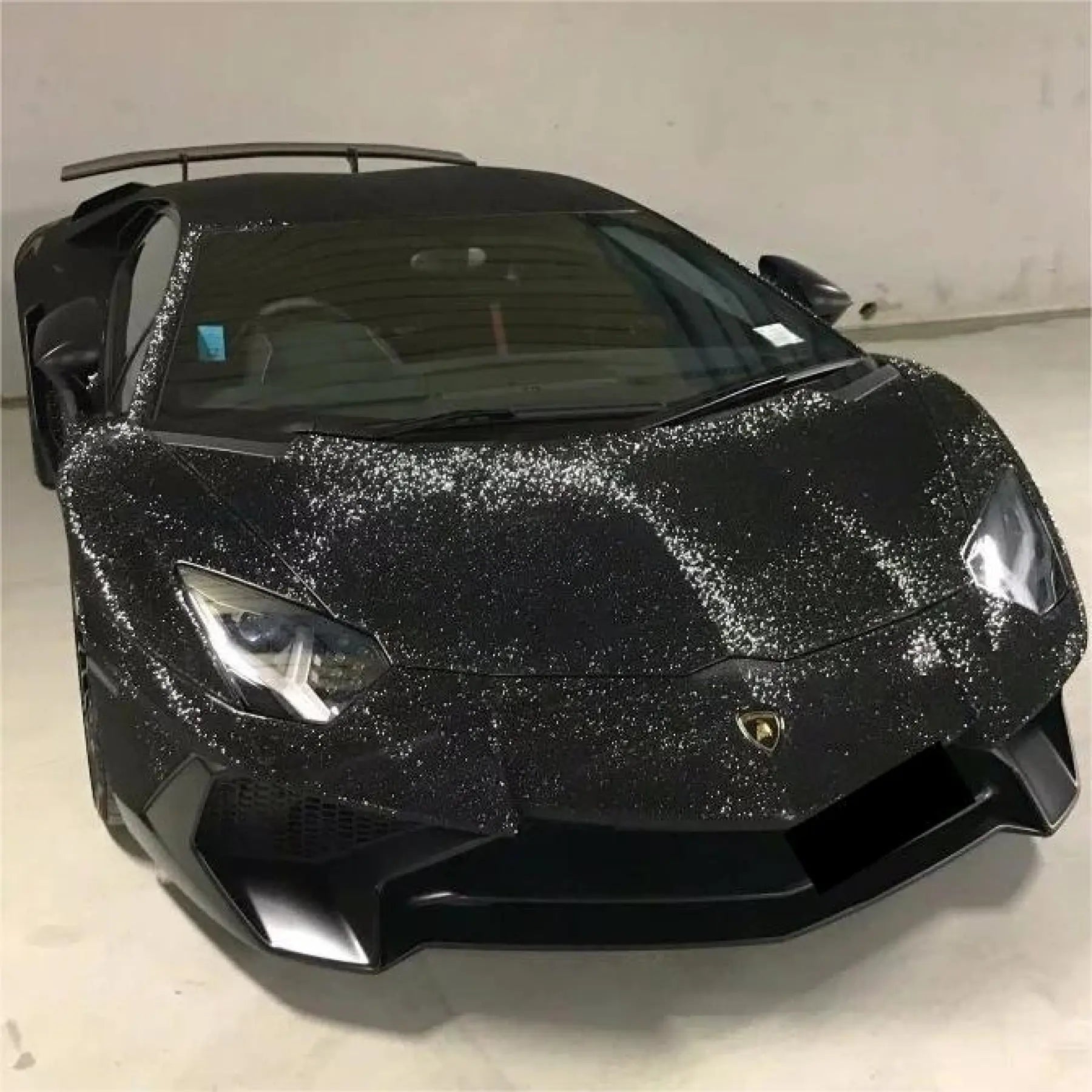

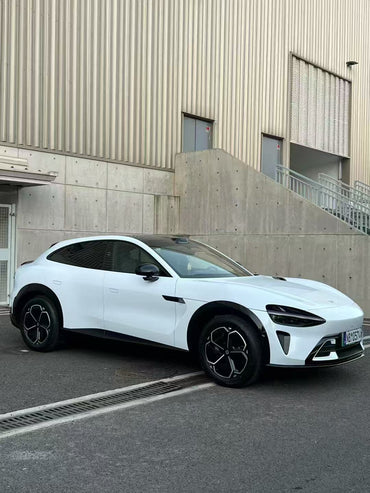



You find a car wrap color online, try it on a photo of your car, and suddenly the decision feels easy. But will the roll you order look like the AI preview?
An AI car wrap preview is useful for choosing a direction, but a physical film sample should guide the final color decision. Use the preview to compare broad colors, finishes and trim combinations. Then check the actual material in different lighting and agree on the installation details before ordering a full roll.
This guide walks you from a promising digital concept to a practical Sailifilm color shortlist.
Why AI car wrap previews are getting attention
Digital previews make it easier to picture a change on your own car. Instead of imagining a green sedan from a tiny color tile, you can explore how a similar shade works with your wheels, glass and body shape.
Vehicle visualizers are already part of the wrap industry's selection process. Avery Dennison offers a car wrap visualizer, while newer AI tools work directly with uploaded photographs. These approaches can help narrow a large catalog into a few ideas worth checking in person.
The useful question is not simply “Does this picture look good?” It is “Which real film should I sample next?”
What a preview can—and cannot—help you decide
| Decision | Useful preview check | What to verify next |
|---|---|---|
| Color direction | Green, gray or purple on your body shape | The exact film's physical sample |
| Finish | Broad gloss, satin or matte appearance | Real surface sheen and texture |
| Accent layout | Body color with a contrasting roof or mirrors | Panel boundaries and installer feasibility |
| Metallic or color-shift effect | General styling inspiration | Sample viewed from several angles |
| Coverage and cost | A rough visual plan | Measurements, film specification and written quote |
1. Start with a clear photo of your own car
Use a sharp daylight photo with the whole car visible. A front three-quarter view shows the hood, doors and bumper together; a second rear three-quarter view helps you assess the other end. Keep filters, strong sunset color casts and dramatic reflections out of the starting image where possible.
Show the wheels and trim you intend to keep. If an AI preview quietly changes silver wheels to black, the new body color may appear more coordinated for a reason unrelated to the wrap.
Compare the result against the original. Check headlights, handles, mirrors, wheel design and body lines before judging the color.
2. Compare three options under the same conditions
Choose a small shortlist rather than generating dozens of unrelated looks. For example, compare a deep gloss green, a satin graphite and a dark gloss purple. Use the same photograph, angle and background for each version so the color remains the main variable.

Keep the first comparison simple: body color only. Once you have a favorite, test roof and mirror accents separately. This makes it easier to see which change actually improves the overall look.
A prompt you can adapt
Change only the painted body panels of this car to a deep gloss green vinyl wrap concept. Keep the exact body shape, wheels, glass, lights, badges, trim, camera angle and background unchanged. Preserve realistic daylight reflections. Do not add accessories or change the vehicle model.
Use this as a visual brief. The generated result still needs checking, even when the prompt asks for everything else to stay consistent.
3. Turn the favorite image into a real film shortlist
A color name in a prompt is not a product code. “Emerald green,” for example, can describe many different shades and finishes. Likewise, typing a hexadecimal color value does not specify metallic flakes, pearl effects or surface sheen.
Browse Sailifilm's Metallic Series for metallic styling directions or the Dual Color Dream Series for angle-dependent effects. Identify the exact listing you want to investigate, then record its product name, finish and available size.
Do not infer material construction, protection level or warranty from a rendered image. Vinyl wrap and colored PPF can look similar in a picture while serving different priorities. If that choice is still open, compare the exact material specifications and intended use before comparing roll prices.
4. Check a physical sample in daylight, shade and indoor light
Order the relevant Sailifilm samples or ask the team to confirm which sample corresponds to your selected listing. Look at the material beside the car's wheels, trim and interior. View it upright and at an angle, rather than judging it only while it lies flat on a desk.
Check three everyday settings: open daylight, outdoor shade and the lighting where you usually park. Metallic, pearl and color-shift films deserve particular attention because a single still image cannot show their full appearance as your viewpoint changes.

A sample helps assess the material, but it cannot show the whole installation. Ask for photographs of the exact film on completed vehicles where available, and discuss how it will look across larger panels.
5. Separate a styling concept from an installation plan
An AI image can make a two-tone boundary look perfectly clean without showing how it would be installed. It may also remove visible seams, recolor unpainted trim or hide the original body color in door openings.
Show the installer your favorite preview and agree on a written scope:
- The exact film and finish for each panel.
- Whether the roof, mirrors, handles and trim are included.
- Which door openings and edges will retain the original color.
- Where joins or visible boundaries are expected.
- Paint preparation, material quantity and any disassembly required.
Keep any existing carbon-look accents, textured trims and other special surfaces in the discussion. A convincing picture does not establish that every surface is suitable for wrapping.
6. Make the final choice with a simple approval checklist
- Visual direction: you like the color on your own vehicle shape.
- Real material: you have checked the correct sample and finish.
- Product identity: the exact listing or product code is recorded.
- Installation scope: coverage, edges and joins are understood.
- Order details: quantity, availability and the current price are confirmed.
- Aftercare: you have the instructions for the selected film.
Keep the preview, product details and approved scope together. They give you and your installer a shared reference when the project begins.
Frequently asked questions
Can AI show the exact color of a vinyl wrap?
It can offer a useful approximation. Lighting, screen settings and the generated interpretation all affect the result. Use an actual sample of the chosen film to make the final color decision.
Can I order a wrap using only an AI image?
Use the image to explain the look you want, then match it to an available product. Confirm the film name, finish and roll size before ordering.
Is an AI preview enough to choose a color-shift wrap?
One image cannot show the full effect across lighting and viewing angles. Check a physical sample from several angles and request photographs or video of the exact film where available.
Does Sailifilm have an AI visualizer?
This article explains a selection workflow and does not announce a Sailifilm AI tool. You can use a preview service of your choice, then compare your idea with Sailifilm's real film collections and samples.
Choose your next wrap with Sailifilm
Start with a look you love, narrow it to real products, and check the samples before committing. Explore our sample kits, metallic wraps and color-shift wraps. For help identifying a suitable film, send your vehicle model, preferred finish and reference image to support@sailifilm.com.
Editorial images in this article were created with AI for illustration. They are not photographs of completed Sailifilm installations or certified product color matches.

